Abdullah.
  • Home
  • About
  • Services
    • WordPress Development
    • Webflow Development
    • Shopify Development
    • HubSpot CMS
    • Unbounce Landing Pages
    • ClickFunnels
    • Wix Studio
    • SEO & Performance
  • Case Studies
  • Blog
  • Contact Us
Abdullah.
  • Home
  • About
  • All ServicesWordPress DevelopmentWebflow DevelopmentShopify DevelopmentHubSpot CMSUnbounce Landing PagesClickFunnelsWix StudioSEO & Performance
  • Case Studies
  • Blog
  • Contact Us
Abdullah.
  • Home
  • About
  • Services
    • WordPress Development
    • Webflow Development
    • Shopify Development
    • HubSpot CMS
    • Unbounce Landing Pages
    • ClickFunnels
    • Wix Studio
    • SEO & Performance
  • Case Studies
  • Blog
  • Contact Us
Abdullah.
  • Home
  • About
  • All ServicesWordPress DevelopmentWebflow DevelopmentShopify DevelopmentHubSpot CMSUnbounce Landing PagesClickFunnelsWix StudioSEO & Performance
  • Case Studies
  • Blog
  • Contact Us
WordPressPerformanceCore Web Vitals

Optimizing WordPress for Core Web Vitals in 2026

A technical deep dive into fixing LCP, CLS, and INP issues on WordPress websites. Learn the exact plugins, configurations, and coding practices required to score a 99+.

ASAuthorAbdullah Sajid
PublishedMay 11, 2026
Reading Time8 min read
Leave a comment
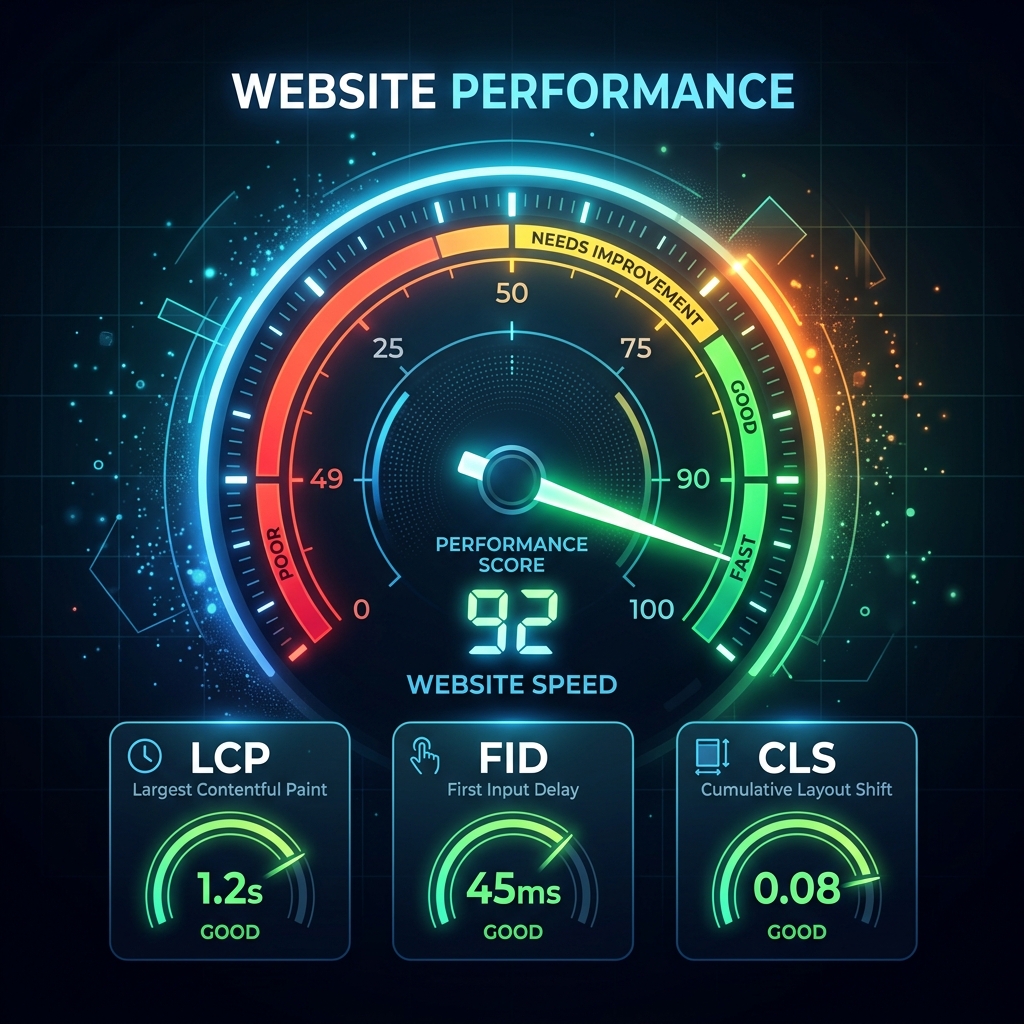
Abstract modern speedometer representing website performance and core web vitals on a dark background.

Google's Core Web Vitals (CWV) are no longer a new initiative; they are a mature, heavily weighted ranking factor. Yet, an astonishing number of WordPress sites still fail the assessment, largely due to the "Frankenstein" nature of bolting too many plugins onto poorly coded themes.

Here is the technical blueprint to passing Core Web Vitals on WordPress in 2026.

1. Largest Contentful Paint (LCP)

LCP measures loading performance. To provide a good user experience, LCP should occur within 2.5 seconds of when the page first starts loading.

The Fixes:

  • Preload the Hero Image: The browser often discovers the main hero image late because it's referenced in a CSS background file or injected via JS. Use a <link rel="preload"> tag in your header to force the browser to fetch it immediately.
  • Fetch Priority: Use the modern fetchpriority="high" attribute on your LCP image.
  • Avoid Sliders: Revolution Slider and similar plugins destroy LCP. They load massive JS libraries just to display an image. Use a static, CSS-styled hero section instead.

2. Cumulative Layout Shift (CLS)

CLS measures visual stability. A score of 0.1 or less is required. In WordPress, CLS is almost always caused by web fonts loading late (FOUT) or images lacking dimension attributes.

The Fixes:

  • Explicit Width and Height: Ensure every <img> tag has explicit width and height attributes. Even if you use CSS to make the image responsive (width: 100%), the browser uses these attributes to calculate the aspect ratio and reserve the correct space before the image downloads.
  • Font Display Swap: If you use Google Fonts, ensure the URL includes &display=swap. This tells the browser to display a fallback system font immediately, then swap to the custom font once loaded, preventing invisible text during load.
  • Preload Critical Fonts: Preload the exact WOFF2 font files used above the fold.

3. Interaction to Next Paint (INP)

INP replaced FID. It measures how quickly the page responds to user interactions (clicks, taps). Poor INP is caused by a congested main thread overwhelmed by JavaScript.

The Fixes:

  • Delay Non-Critical JavaScript: Use a performance plugin like WP Rocket or Perfmatters to "Delay JavaScript Execution" until user interaction. This means chat widgets, analytics trackers, and remarketing pixels don't load until the user scrolls or clicks, completely freeing the main thread during initial load.
  • Remove Unused CSS/JS: Use Perfmatters' Script Manager to unload plugin scripts on pages where they aren't needed. (e.g., Don't load Contact Form 7 assets on the homepage if there is no form).

Achieving green scores across all three vitals requires moving away from heavy page builders, utilizing server-level caching, and aggressively managing how third-party scripts execute.

A technical deep dive into fixing LCP, CLS, and INP issues on WordPress websites. Learn the exact plugins, configurations, and coding practices required to score a 99+.

- Abdullah Sajid

Tags :
WordPressPerformanceCore Web VitalsSEO
Share :
Discussion

Leave a comment

PreviousThe True Cost of Cheap WordPress HostingNextHeadless WordPress vs Traditional Architecture in 2026
Categories
  • AI06
  • Career01
  • Development08
  • Process03
  • Performance11
  • SEO07
  • Insights01
  • WordPress05
  • Webflow09
  • CMS Selection02
  • Business07
Latest Posts
Abstract representation of AI personalization.AIAI Personalization Engines in Modern CMSAbstract representation of AI Design to Code.AIThe Reality of AI Design-to-Code ToolsAbstract representation of AI Testing.AIAI in Automated Testing: The End of Manual QA?
Tags
AIAccessibilityAnalyticsAnimationsArchitectureBloggingBusinessCDNCMSCSSCareerClient WorkComparisonContent StrategyConversionCore Web VitalsDesignDevelopment

Need a CMS website?

I build fast, clean websites across WordPress, Webflow, Shopify, HubSpot, and more. Let's talk about your project.

Start a Project

or message on WhatsApp

Related Posts

View all posts
Abstract representation of AI SEO Content.AI

Surviving the AI Content Tsunami: SEO in 2026

Abstract representation of AI in CMS.AI

How AI is Reshaping the Traditional CMS

Abstract design showing heavy data blocks being filtered and optimized before reaching a core node, dark premium background.Performance

The Hidden Cost of Third-Party Tracking Scripts

Let's Work Together*WordPress*Webflow*Shopify*Start a Project*HubSpot CMS*Unbounce*Accurate Build*Let's Work Together*WordPress*Webflow*Shopify*Start a Project*HubSpot CMS*Unbounce*Accurate Build*

Available for new projects

Ready to build something
people actually remember?

I turn designs into fast, polished CMS websites that help people act. Let's talk about what you need.

Start a Project View My Work
Let's Work Together*WordPress*Webflow*Shopify*Start a Project*HubSpot CMS*Unbounce*Accurate Build*Let's Work Together*WordPress*Webflow*Shopify*Start a Project*HubSpot CMS*Unbounce*Accurate Build*
Abdullah.
LinkedIn WhatsApp Email

Have a project in mind?Let's get to work.

Abdullahsajid228@gmail.com+92 318 9400448
Useful Links
  • About
  • Services
  • Case Studies
  • Blog
  • Skills
  • Pricing
  • Testimonials
  • Contact

© 2026 Abdullah Sajid. All rights reserved.