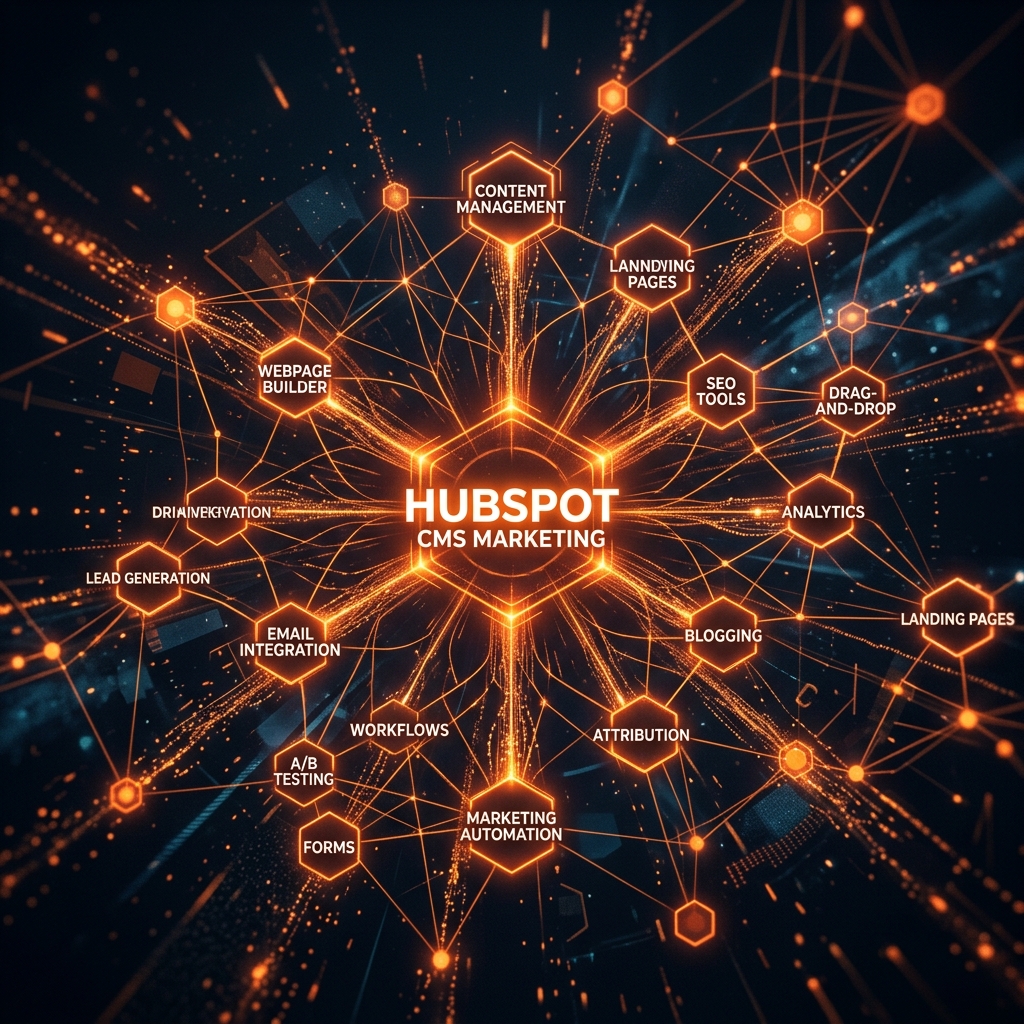
HubSpot CMS is the only platform where your website, CRM, email marketing, and live chat all share the same data layer. When built correctly, this creates a compounding advantage that standalone CMS platforms simply cannot replicate.
Smart content
HubSpot's Smart Content feature lets you display different content to different visitors based on:
- Device type
- Country / location
- Lifecycle stage (lead vs customer vs subscriber)
- List membership
A returning customer sees a different homepage hero than a first-time visitor. A lead who has downloaded a resource sees a different CTA than someone who just landed from Google.
Implementing this requires planning the content variations upfront, but the conversion lift is significant.
HubDB for structured content
HubDB is HubSpot's database layer — essentially a spreadsheet you can query in HubL (HubSpot's templating language) to render structured content dynamically. Use cases include:
- Team member directories
- Product or service comparison tables
- Location finders
- Resource libraries
HubDB is the feature most HubSpot developers overlook, and it is one of the most powerful.
Theme architecture
HubSpot themes use a combination of HubL, CSS, and JavaScript. I structure every theme with:
- A global stylesheet for tokens and base styles
- Section-specific stylesheets loaded only on pages that use those sections
- Drag-and-drop modules for every repeating content block
The result: a theme that non-technical marketers can update confidently without breaking the design.
HubSpot CMS is far more than a website builder — it's a revenue machine when built correctly. Here is how I approach development on the platform.
- Abdullah Sajid
Leave a comment