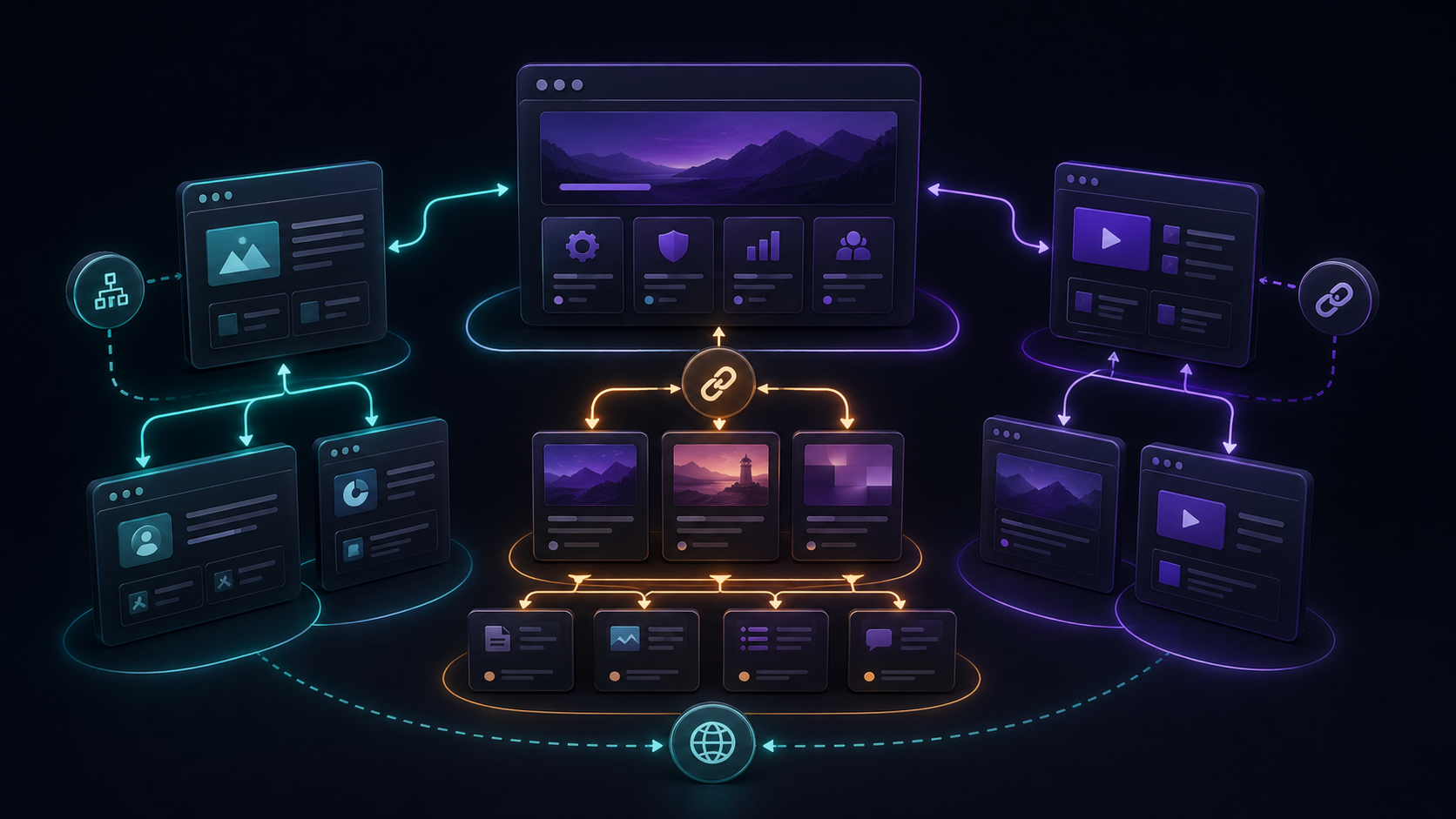
Internal linking is one of the most underused SEO tools on service websites. It costs nothing, improves navigation, and helps search engines understand which pages matter most.
A good internal linking strategy connects content by intent.
Link blogs to service pages
If a blog post explains technical SEO, it should link to the SEO or CMS development service page. The reader already cares about the topic, so the service page is a natural next step.
Link case studies to relevant services
Case studies should not be isolated portfolio pieces. A Shopify case study can link to Shopify development, performance optimization, and ecommerce strategy pages.
Use descriptive anchor text
"Click here" says nothing. Use anchor text that explains the destination, such as WordPress development services or CMS performance optimization.
Avoid forced links
Internal links should feel helpful. If a link does not support the reader's next step, leave it out.
Strong internal linking turns a collection of pages into a connected website. That connection supports both ranking and conversion.
Internal links help search engines understand your website and help visitors move toward conversion. Here is how to link blogs, services, and case studies strategically.
- Abdullah Sajid


Leave a comment